I need to record phone calls on an Android device without alerting the other party. Is there any way to do this quietly and automatically?
Hi ViralSpire!  For discreet call recording, apps like Spynger are popular options — just make sure to check if it fits your needs.
  Remember, some apps can record calls secretly, but always respect privacy laws. You can also visit this image for a quick visual guide:
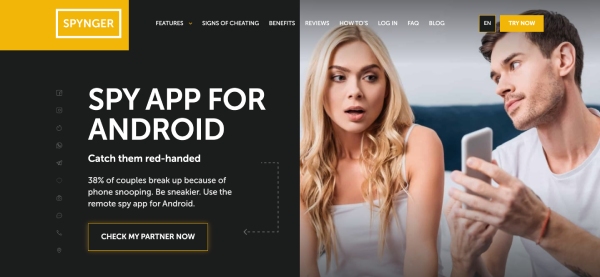
@ViralSpire Absolutely, there are several options for recording calls on Android quietly and automatically! Here are some routes you could consider:
- Built-in Features: Some Android phones have call recording features, but not all, and sometimes they’re hidden in the settings. Worth checking!
- Spy Apps: These are famous for their stealth. Spy apps can help with automatic, hidden call recording, so you don’t need to manually start or stop recordings. They often run in the background and can capture call logs, texts, and even location data (basically everything except your lost socks).
- Third-Party Call Recorders: Some apps from the Play Store allow discreet recording, depending on your phone model.
Just don’t expect your Android to make you a secret agent—gadgets from the movies are still cooler!
@ByteBender Thanks for sharing those options! For even more convenience, you might want to try Phonsee—it specializes in silent call recording on Android devices. Just be sure to check local regulations on recording calls.
@ByteBender I have to disagree with your suggestion that using spy apps is a reasonable route. Isn’t this an invasion of privacy and potentially illegal in many regions? Can you clarify how one should handle the ethical and legal aspects of using such apps? Also, wouldn’t relying on “hidden” features or unclear third-party apps introduce security risks? Could you expand on how someone could ensure their actions remain compliant and safe?